 DayPilot
Back to All Tutorials
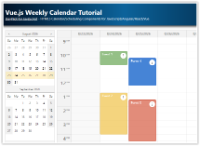
Vue.js Weekly Calendar Tutorial (Open-Source)
How to create a weekly calendar web application using a Vue calendar component. The tutorial includes a Vue.js project with JavaScript source code for download.
Jan 9, 2026
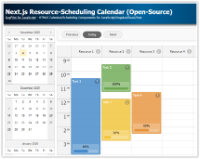
Next.js Resource-Scheduling Calendar (Open-Source)
This Next.js app uses a resource-scheduling calendar UI to let you manage tasks for multiple resources side by side. Each column displays a 24-hour timeline for a different resource.
Jan 8, 2026
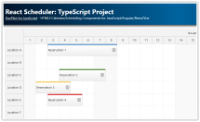
React Scheduler: TypeScript Project
This tutorial shows how to use the React Scheduler component to create a reservation application in React, using TypeScript language.
Jan 7, 2026
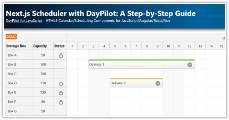
Next.js Scheduler with DayPilot: A Step-by-Step Guide
Learn how to incorporate the React Scheduler in a Next.js application, focusing on configuration, event handling, and using the direct API.
Jan 6, 2026
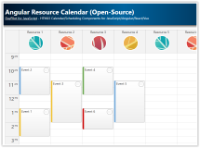
Angular Resource Calendar (Open-Source)
Angular application that shows how to create a resource calendar Angular component that displays event data in multiple columns. The resource calendar supports drag and drop out of the box.
Jan 3, 2026
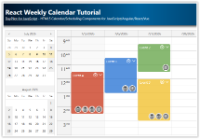
React Weekly Calendar Tutorial (Open-Source)
React application that displays a weekly event calendar using the open-source DayPilot React calendar component. Includes a date picker for changing the visible week. The calendar/scheduler appearance is customized using CSS.
Jan 2, 2026
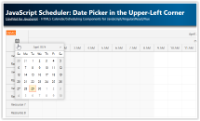
JavaScript Scheduler: Date Picker in the Upper-Left Corner
How to embed a calendar icon in the upper-left corner of DayPilot Scheduler, hook it up to an inline DatePicker, and update the visible timeline.
Dec 14, 2025
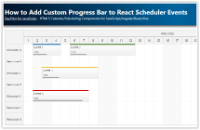
How to Add Custom Progress Bar to React Scheduler Events
The React Scheduler component allows customization of event content. This tutorial shows how to add a custom progress bar using event active areas.
Dec 7, 2025
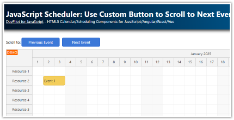
JavaScript Scheduler: Use Custom Button to Scroll to Next Event
How to implement Previous and Next buttons that find the nearest event outside the current viewport of the JavaScript Scheduler component.
Dec 2, 2025
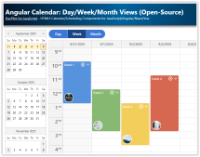
Angular Calendar: Day/Week/Month Views (Open-Source)
Angular project that displays an event calendar component with day, week and month views that share the same data and can be easily switched. A date picker component is used to switch the current date and highlight busy days.
Dec 1, 2025