 DayPilot
Back to All Tutorials
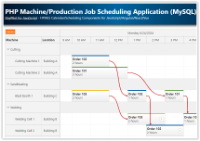
PHP Machine/Production Job Scheduling Application (MySQL)
This tutorial shows how to create a PHP web application for machine/production job scheduling. The visual HTML5 scheduling grid displays task assignments, duration and dependencies. Users can use drag and drop to change the schedule.
Jun 28, 2024
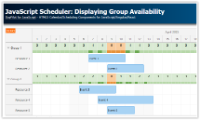
JavaScript Scheduler: Displaying Group Availability
How to show availability of child resources using color bars in the JavaScript Scheduler component.
Jun 25, 2024

Angular Work Order Scheduling (PHP/MySQL)
Angular web application that lets you assign and schedule work orders using drag and drop. Built using DayPilot Scheduler Angular component. Includes a REST backend implemented in PHP/MySQL
Jun 23, 2024

Angular Scheduler: Drag and Drop Task Queue
How to implement an ordered queue of unscheduled tasks that can be dragged to the Angular Scheduler component.
Jun 18, 2024

Angular Scheduler: Dynamic Context Menu
Angular 18 project that shows how to dynamically configure the Scheduler context menu (for events and rows).
Jun 18, 2024

Angular Scheduler: Online Configurator
Use the online configurator application to generate a new Angular project with a customized Scheduler component.
Jun 2, 2024

JavaScript Scheduler: Swap Events using Context Menu
Learn how to create a context menu-driven event swapping feature, enabling users to exchange two selected events.
Feb 12, 2024

Vue Scheduler: Components in Events
Learn how to enhance Vue Scheduler events with custom Vue components. Add dynamic content, interactive elements and apply custom styling.
Jan 2, 2024
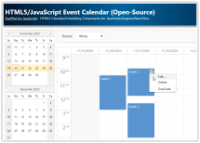
HTML5/JavaScript Event Calendar (Open-Source)
Weekly HTML5/JavaScript event calendar with CSS themes, drag and drop support, date navigator. Sample PHP and ASP.NET Core projects with REST backend implementation.
Nov 20, 2023

How to Add Excel-Like Notes to JavaScript Scheduler Grid Cells
Learn how to add notes to the cells of a JavaScript Scheduler component. Notes are indicated by a red triangle in the upper-right corner and become visible upon hovering over a cell.
Oct 31, 2023