 DayPilot
Back to All Tutorials
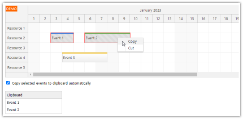
Angular Scheduler: Event Cut, Copy & Paste
Angular scheduling application that allows moving events using "cut and paste" and creating events from existing ones using "copy and paste" actions.
Feb 16, 2023
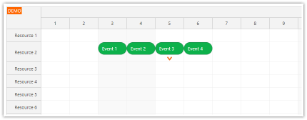
JavaScript Scheduler: Max Events per Row
How to limit the maximum number of concurrent events the will be displayed in the JavaScript Scheduler component. Add an icon indicating that more events are available.
Jan 26, 2023
JavaScript/HTML5 Scheduler: Filtering Rooms by Availability
How to filter rooms displayed in the JavaScript Scheduler component using a complex filter - by size and date availability.
Jan 1, 2023
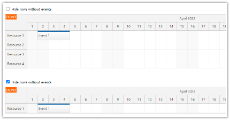
HTML5 Scheduler: Hiding Rows without Events
How to hide Scheduler rows that have no events using row filtering feature.
Dec 28, 2022
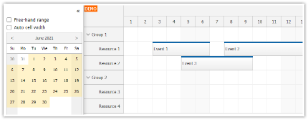
Angular Scheduler: Integration with a Date Picker
Angular 14 application that uses DayPilot Navigator component as a date picker for the Scheduler.
Oct 10, 2022
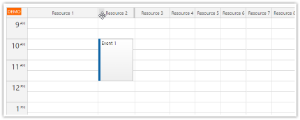
JavaScript Calendar: Reorder and Resize Columns using Drag and Drop
Learn how to enable drag and drop column reordering and resizing for the JavaScript resource calendar component.
Jul 21, 2022
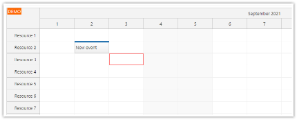
JavaScript Scheduler: How to Use the Keyboard API
How to use the JavaScript Scheduler keyboard API to define custom hotkeys and override the default behavior.
Jun 3, 2022
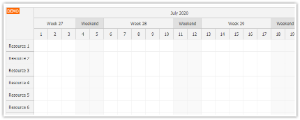
JavaScript Scheduler: Custom Time Header Segments
How to define custom time segments in the Scheduler time headers. In this example, we will display a special header that will highlight work weeks and weekends.
Jun 2, 2022
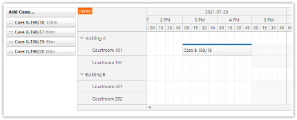
ASP.NET Courtroom Schedule Tutorial (C#, VB.NET)
ASP.NET application that allows creating courtroom reservations from a list of unscheduled cases using drag & drop.
Apr 6, 2022
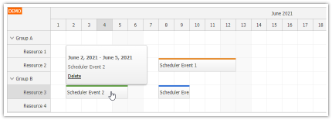
Angular Scheduler: Dynamic Tooltip
The Angular Scheduler component supports displaying event details using a built-in tooltip. See how to include a dynamic Angular component in the tooltip.
Jan 23, 2022